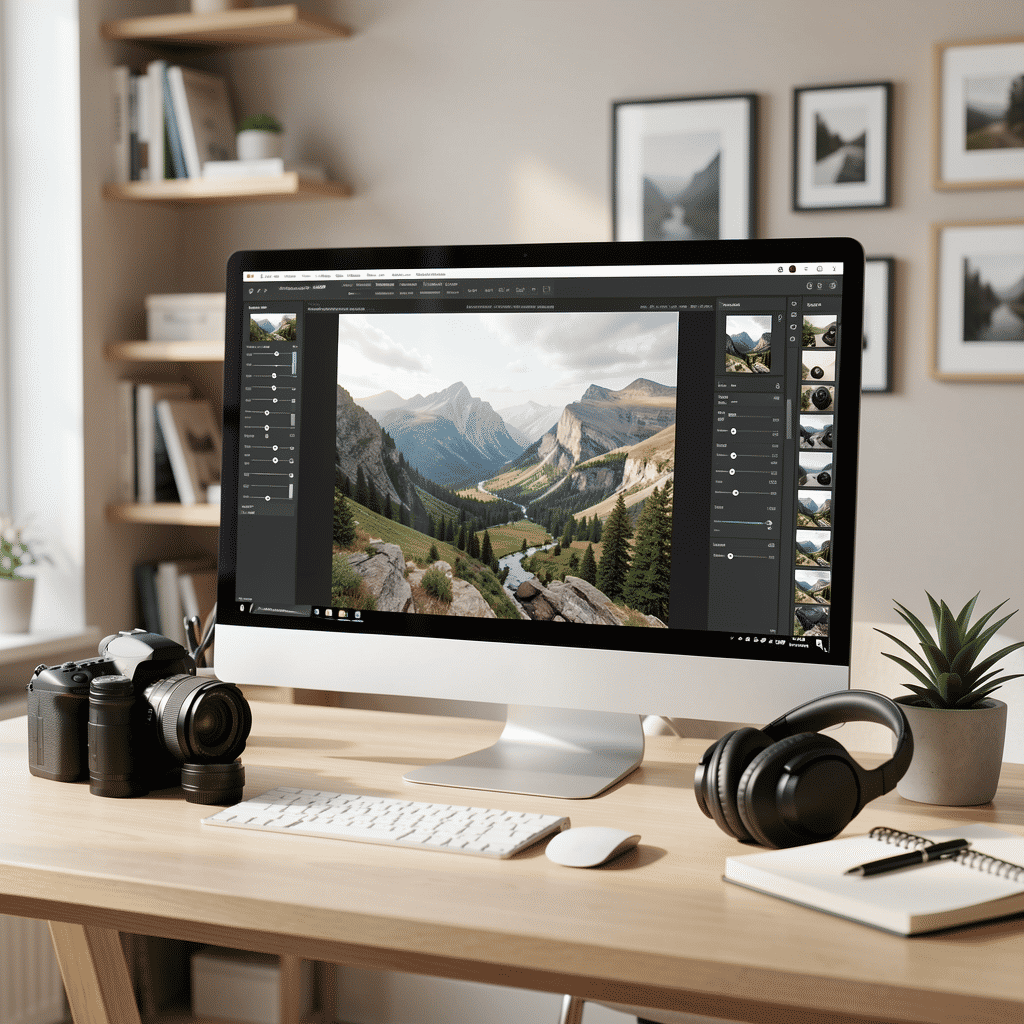
In the digital age, enhancing the aesthetic appeal of images has become an art form in itself. Understanding the essentials of image refinement can significantly improve the outcome of your projects and help convey your creative vision effectively. Here, we’ll delve into some fundamental techniques to help you elevate your work.
1. Understanding the Basics
Before diving into specific techniques, it’s crucial to have a general understanding of the interface and tools available in most editing software. Familiarize yourself with key features such as layers, filters, and adjustment tools, which form the backbone of most workflows. This foundation will allow you to manipulate elements with greater precision and ease.
2. Cropping and Composition
Composition is a fundamental aspect of any visual art. Cropping can help remove unwanted elements from an image, focus attention on the subject, or enhance the composition’s overall balance. By understanding the rule of thirds and other composition techniques, you can dramatically alter the narrative of an image.
3. Adjusting Brightness and Contrast
These adjustments are some of the simplest yet most impactful modifications you can make. Altering the brightness can bring out details in the shadows or highlight areas, while contrast adjustments can add depth. The key is subtlety; excessive adjustments can make an image appear unnatural.
4. Color Correction and White Balance
Ensuring that the color tones in an image are accurate can greatly enhance its appeal. Correcting white balance ensures that the colors are portrayed naturally under different lighting conditions, while color correction can be used to adjust specific tones to achieve a specific mood or style.
5. Retouching and Spot Healing
For portraits and detailed images, retouching is an essential skill. Tools for spot healing and cloning can remove blemishes and minor imperfections, resulting in a polished and professional appearance. However, restraint is important to maintain realism.
6. Utilizing Filters and Presets
Filters and presets can be useful shortcuts for achieving a desired look, especially if consistency across multiple images is required. Whether enhancing a landscape with a dramatic vignette or adding a vintage touch with sepia tones, filters can change the entire feel of an image in moments. Always customize presets to suit each image’s unique needs.
7. Sharpening and Clarity
These tools improve the focus and overall detail of an image. While sharpening enhances the definition of edges, clarity can bring out the texture in softer areas. As always, subtlety is key to avoid creating artifacts or noise.
8. Mastering Layer Masks
Layer masks give you control over the visibility of adjustments by allowing selective modifications. This tool is pivotal for tasks like blending exposures or applying targeted corrections without affecting the rest of the image.
9. Experimenting with Creative Effects
Experimenting with creative effects like tilt-shift, double exposure, or selective coloring can add artistic flair. Such effects can set your work apart, providing a personal touch that reflects your style and creativity.
10. Saving and Exporting Properly
Understanding how to save and export in different formats is the final crucial step in the process. Whether it’s preparing for web use or large-scale prints, each format serves a specific purpose, so ensure appropriate settings for the image’s end use.
By mastering these basic techniques, you can significantly improve the quality of your output and more effectively translate your artistic vision. The key to becoming proficient is consistent practice and experimentation, letting your creativity guide the way.